
Invoice Templates for Xero
Your work looks professional.Your invoices should too.
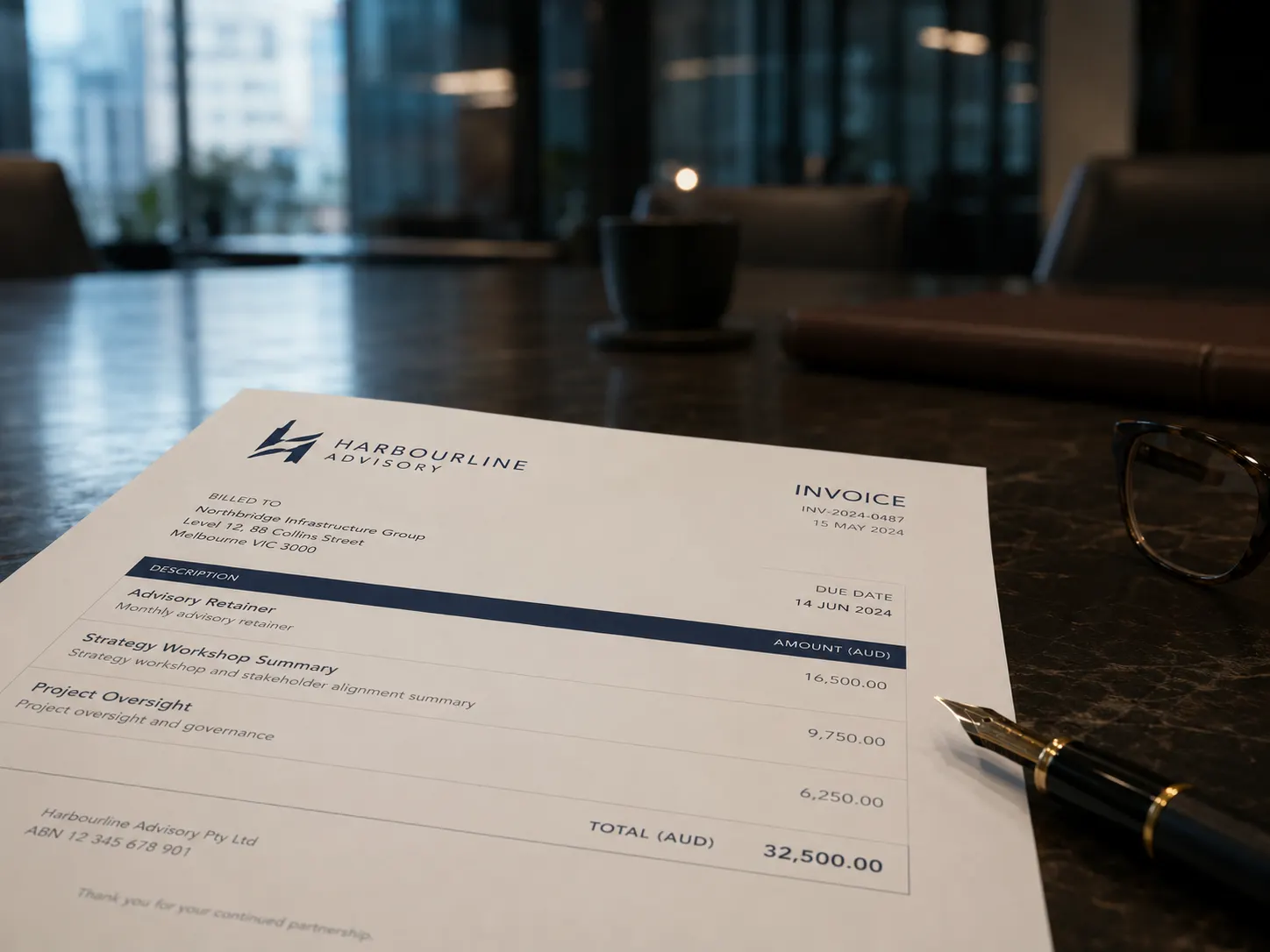
Our default invoice style matches Xero's own invoice layout, so you can group or hide line items straight away—or choose a professional template and start fresh with all data populated from your Xero invoice. Customise fonts, colours, logo and layout.
Perfect your invoices already created in Xero
Choose and modify a professionally designed template
Simple to hide or group invoice line items
'/%3e%3cpath%20d='M%20230%20184%20C%20505%20173,%20950%20176,%201335%20182%20C%201338%20205,%201080%20213,%20850%20205%20C%20615%20197,%20405%20202,%20230%20193%20C%20224%20190,%20224%20187,%20230%20184%20Z'%20fill='url(%23gGlow)'%20filter='url(%23blurMed)'/%3e%3cpath%20d='M%20230%20183%20C%20500%20173,%20940%20176,%201335%20182%20C%201336%20196,%201115%20203,%20865%20198%20C%20620%20193,%20410%20198,%20230%20190%20C%20226%20188,%20226%20185,%20230%20183%20Z'%20fill='url(%23gCore)'/%3e%3cpath%20d='M%20230%20186%20C%20520%20175,%20970%20177,%201335%20182'%20stroke='%2383C999'%20stroke-opacity='0.96'%20stroke-width='3.2'%20stroke-linecap='round'%20fill='none'/%3e%3c/svg%3e)
Your Xero invoice remains untouched for bookkeeping
See it in action
Xero's default output rarely reflects your brand
You put real care into the work you deliver. But your invoices arrive looking like a generic Xero template — because that is exactly what they are. InvoicePolish changes that without touching your accounting data.
Without InvoicePolish
- ✗Stuck with Xero's limited formatting options
- ✗Reformatting invoices manually in Word or Canva
- ✗No consistent look between clients or billing cycles
- ✗Hours lost to formatting that should be automatic
With InvoicePolish
- Starts as an exact match of your Xero invoice — the Xero Classic template
- Full control over fonts, colours, logo, and layout
- Consistent branded invoices generated automatically
- Set up once — every invoice looks right from then on

A branded template, ready before your next invoice
Choose your approach — match your existing Xero look, or build something new. Either way, InvoicePolish applies it automatically from then on.
Connect your Xero account
Securely connect one or more Xero organisations with a single click. Your invoice data syncs automatically — nothing to configure manually.
Design your template
Choose a base template, then customise fonts, colours, logo placement, and layout. See a live preview as you build — no design software required.
Match your existing style
Start from Xero Classic, a match to Xero's own default invoice layout, so nothing looks different to clients. Use it as-is or refine it further with better typography and layout control.
Create something new
Start fresh from a professional base template. Set your colours, upload your logo, and add a background image for a truly polished result.
Export to Xero
Download the polished invoice PDF and/or one click attach it directly back to your Xero invoice for safe keeping.
Connect your Xero account
Securely connect one or more Xero organisations. Your invoice data syncs automatically.
Design your template
Choose a base template, then customise fonts, colours, logo placement, and layout. See a live preview as you build — no design software required.
Match your existing style
Start from Xero Classic, a match to Xero's own default invoice layout, so nothing looks different to clients. Use it as-is or refine it further with better typography and layout control.
Create something new
Start fresh from a professional base template. Set your colours, upload your logo, and add a background image for a truly polished result.
Export to Xero
Download the polished PDF or attach it back to your Xero invoice with one click.
Everything you need, nothing you don't
No design software. No Word exports. No re-entering data. Just professional Xero invoice design, applied to every invoice and quote from the Xero data you already have.
Professional templates
Start from Xero Classic, a match to Xero's own default invoice, or another professionally designed base — then make it yours with full design control. Every template is optimised for print and PDF clarity.
Full brand control
Set your own fonts, colours, logo placement, and layout. Everything a Xero invoice can't do — all available right here.
Background images
Add a branded background image to your invoice for a truly polished, on-brand look that stands out in any inbox.
Real-time preview
See changes as you make them. No guessing how the final PDF will look — what you see is what your client receives.
Multi-org support
Manage separate branded templates for each Xero organisation. Perfect for bookkeepers and accountants with multiple clients.
PDF download & attach to Xero
Download the polished PDF or attach it directly back to your Xero invoice with one click. Everything filed and in sync.
Works with Xero
Built for Xero. Works where you already work.
InvoicePolish integrates with Xero, so there is nothing new to learn and no second system to manage. Connect once, and your branded invoices are ready the next time you hit send.
Connects directly with your Xero account.
Try free for 7 days, upgrade when you're ready
No credit card required. Full access during your trial — upgrade anytime to keep going.
7-Day Free Trial
Try everything before you commit
- 1 Xero organisation
- 15 invoices during trial
- All included invoice templates
- PDF download & attach to Xero
Basic
For small business
- 1 organisation included
- 40 invoices per month
- PDF download & attach to Xero
- Background images
- Webhook auto-generation
- +$6/mo per extra organisation
Professional
For growing firms
- 3 organisations included
- 200 invoices per month
- PDF download & attach to Xero
- Webhook auto-generation
- Background images
- +$5/mo per extra organisation
Frequently asked questions
Last updated: June 2026
InvoicePolish includes professionally designed invoice templates built for print and PDF clarity. You can customise any template with your own fonts, colours, and logo, or start from scratch.
Yes — exactly. Every template starts from Xero Classic, our faithful recreation of Xero's own default invoice layout, calibrated directly against real Xero-generated PDFs. Your polished invoices look identical to native Xero output from the very first PDF, before you change a single setting. InvoicePolish also imports your Xero branding — company logo, colours, and business details — so you can keep that exact look while you group and hide line items, or use it as a starting point for something more polished.
Yes. If you manage multiple Xero organisations, you can set a distinct template for each. Every organisation keeps its own template, branding, and layout settings completely independently.
No. Template selection in InvoicePolish only affects the PDF your client sees. Your underlying Xero data — line items, account codes, and tax settings — is never touched.
Yes. The Basic and Professional plans both include support for background images. Upload your own image and apply it to the invoice PDF for a truly on-brand, print-quality result.
Yes. The same editor builds branded Xero quote templates and Xero quotation templates, so your quotes carry the same professional look as your invoices, with no extra setup.
No. Your monthly limit only counts invoices you choose to polish by generating a client-facing PDF through InvoicePolish. You can sync your Xero invoices, open them, group line items, change templates, and play with how they look without using your download quota. The quota is used when you generate, download, or attach a polished PDF. So if you issue 100 invoices in Xero but only polish 25 of them, that counts as 25.
Yes. InvoicePolish offers a free 7-day trial with up to 15 invoices and all included templates — no credit card required. You can also explore demo mode to see the template editor without connecting your Xero account.
Ready to send invoices that look the part?
Start your free trial and have a branded template ready before your next billing cycle.
No disruption to your Xero account. Cancel anytime.