
HIDE AND GROUP INVOICE LINE ITEMS
Build your detailed invoice breakdown in Xero.Though present clients with the simplified invoice.
Give clients a clean Xero invoice summary view while keeping the full internal detail you need safely in Xero.
Modify your invoices already created in Xero
Group together or hide detailed line items
'/%3e%3cpath%20d='M%20230%20184%20C%20505%20173,%20950%20176,%201335%20182%20C%201338%20205,%201080%20213,%20850%20205%20C%20615%20197,%20405%20202,%20230%20193%20C%20224%20190,%20224%20187,%20230%20184%20Z'%20fill='url(%23gGlow)'%20filter='url(%23blurMed)'/%3e%3cpath%20d='M%20230%20183%20C%20500%20173,%20940%20176,%201335%20182%20C%201336%20196,%201115%20203,%20865%20198%20C%20620%20193,%20410%20198,%20230%20190%20C%20226%20188,%20226%20185,%20230%20183%20Z'%20fill='url(%23gCore)'/%3e%3cpath%20d='M%20230%20186%20C%20520%20175,%20970%20177,%201335%20182'%20stroke='%2383C999'%20stroke-opacity='0.96'%20stroke-width='3.2'%20stroke-linecap='round'%20fill='none'/%3e%3c/svg%3e)
Keep your detailed accounting breakdown on your xero invoice
No need to rebuild invoice - your Xero invoice data ready to modify
See it in action
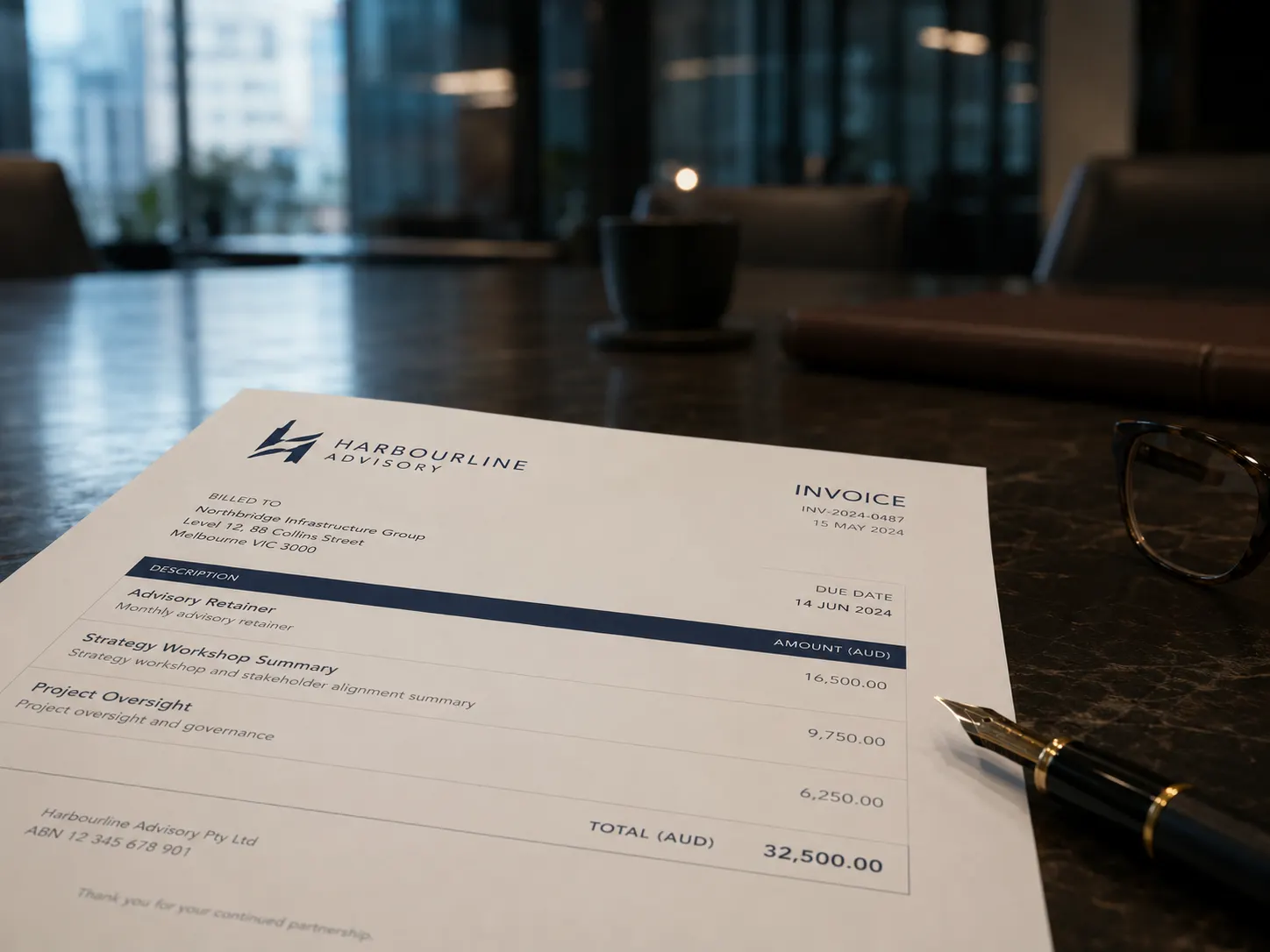
Your Xero invoice shows clients everything. That is not always what you want.
You need line-item detail in Xero for accurate accounting. But your clients don't need to see every hour, every sub-task, every internal entry. They want a clean summary they can approve and pay — not a wall of detail that prompts questions. And because every template starts as a match to Xero's own default invoice layout, that summary still looks exactly like the Xero invoices they already trust — just cleaner.
Without InvoicePolish
- ✗Clients see every internal line item you enter in Xero
- ✗Manual editing before each invoice send
- ✗Two versions to manage — one for accounting, one for clients
- ✗Risk of sharing internal pricing or margin detail
With InvoicePolish
- Choose exactly what each client sees — nothing more
- Group or hide lines in seconds, per invoice or via template
- Still looks exactly like a native Xero invoice — clients notice nothing different
- Full detail always preserved in Xero, untouched

How to group line items in Xero, from cluttered to clean in minutes
Choose hands-on control or let InvoicePolish handle it automatically via keywords. Either way, your Xero data stays completely untouched.
Connect your Xero account
Securely connect one or more Xero organisations with a single click. Your invoice data syncs automatically — nothing to configure manually.
Open an invoice
Your Xero invoices sync automatically. Open any invoice in InvoicePolish and all your line items are there — ready to arrange however you need.
Hide or group manually
Drag line items into groups, toggle individual lines visible or hidden, and set a custom group name. Full control, per invoice.
Auto-group via #keywords
Add #LABOUR or #MATERIALS to the start of any Xero line item. InvoicePolish detects it and groups automatically — you never even need to open the app.
Export to Xero
Download the polished invoice PDF and/or one click attach it directly back to your Xero invoice for safe keeping.
Connect your Xero account
Securely connect one or more Xero organisations. Your invoice data syncs automatically.
Open an invoice
Your Xero invoices sync automatically. Open any invoice in InvoicePolish and all your line items are there — ready to arrange however you need.
Hide or group manually
Drag line items into groups, toggle individual lines visible or hidden, and set a custom group name. Full control, per invoice.
Auto-group via #keywords
Add #LABOUR or #MATERIALS to the start of any Xero line item. InvoicePolish detects it and groups automatically — you never even need to open the app.
Export to Xero
Download the polished PDF or attach it back to your Xero invoice with one click.
Everything you need, nothing you don't
Show clients what matters. Keep the rest exactly where it belongs — in Xero, untouched, for your records.
Xero records untouched
Hiding or grouping lines in InvoicePolish never changes your Xero data. Every entry, account code, and tax setting stays intact.
Drag-and-drop grouping
Group related line items by dragging them together. Add a group name, reorder lines, and see a live preview of what clients will see.
Auto-group via #keywords
Add a #keyword to any Xero line item and InvoicePolish groups it automatically on import — no manual work required.
Hide any line item
Toggle individual lines off to remove detail from the Xero invoice your client sees. Internal pricing, sub-tasks or margin entries stay in Xero, never on the client copy.
Real-time Xero sync
Changes made in Xero appear in InvoicePolish within seconds. You're always working from the most current invoice data.
Clean PDF every time
Your client receives a tidy, professional PDF summary. Attach it back to the Xero invoice to keep everything filed together.
Works with Xero
Built for Xero. Works where you already work.
InvoicePolish integrates with Xero, so there is nothing new to learn and no second system to manage. Connect once, and your branded invoices are ready the next time you hit send.
Connects directly with your Xero account.
Also part of InvoicePolish
Try free for 7 days, upgrade when you're ready
No credit card required. Full access during your trial — upgrade anytime to keep going.
7-Day Free Trial
Try everything before you commit
- 1 Xero organisation
- 15 invoices during trial
- All included invoice templates
- PDF download & attach to Xero
Basic
For small business
- 1 organisation included
- 40 invoices per month
- PDF download & attach to Xero
- Background images
- Webhook auto-generation
- +$6/mo per extra organisation
Professional
For growing firms
- 3 organisations included
- 200 invoices per month
- PDF download & attach to Xero
- Webhook auto-generation
- Background images
- +$5/mo per extra organisation
Frequently asked questions
Last updated: June 2026
Yes. InvoicePolish lets you hide any line item from the client-facing PDF while keeping it fully intact in Xero. Your accounting records, tax codes, and totals are unchanged — the client simply does not see the lines you have chosen to hide.
You can combine multiple Xero line items into a single named group with a subtotal. For example, you might group twenty individual labour entries into one line called 'Project Services — June'. The client sees a clean summary; your full detail stays in Xero.
No. InvoicePolish is a presentation layer only. Grouping or hiding line items in InvoicePolish never modifies your Xero data. Every line item, account code, and tax setting remains exactly as it was entered.
Yes. You can set up templates with different grouping configurations and apply them to whichever invoice needs them. Some clients might see a detailed breakdown; others might see a single summarised total. You control it per invoice.
Yes — though you don't have to. Every template starts as Xero Classic, a match to Xero's own default invoice layout, so you can group and hide line items while everything else looks exactly like a native Xero invoice. When you're ready, you can also customise fonts, colours, logo placement, and layout. Both work together in a single template, so you control content and presentation from one place.
No. Your monthly limit only counts invoices you choose to polish by generating a client-facing PDF through InvoicePolish. You can sync your Xero invoices, open them, group line items, change templates, and play with how they look without using your download quota. The quota is used when you generate, download, or attach a polished PDF. So if you issue 100 invoices in Xero but only polish 25 of them, that counts as 25.
Yes. InvoicePolish offers a free 7-day trial with up to 15 invoices — no credit card required. You can also try demo mode to see the line-item grouping and hiding tools in action before connecting your Xero account.
Send invoices your clients can actually read.
Clean summaries, full detail kept safe. No disruption to your Xero account.
No disruption to your Xero account. Cancel anytime.